| Bookmark Name | Actions |
|---|
Installing Generic Configuration Microservices in Azure
This section helps you to install the Generic Configuration Microservice into Azure cloud.
Procedure:
- Copy the generated zip file (from target folder) to the installation directory.
- Extract the zip file.
- In a command prompt, navigate to the installation directory and modify the details such as resource group, location, DB details, etc., in the install.sh/install.bat script specific to the installation.
- Execute install.sh or install.bat.
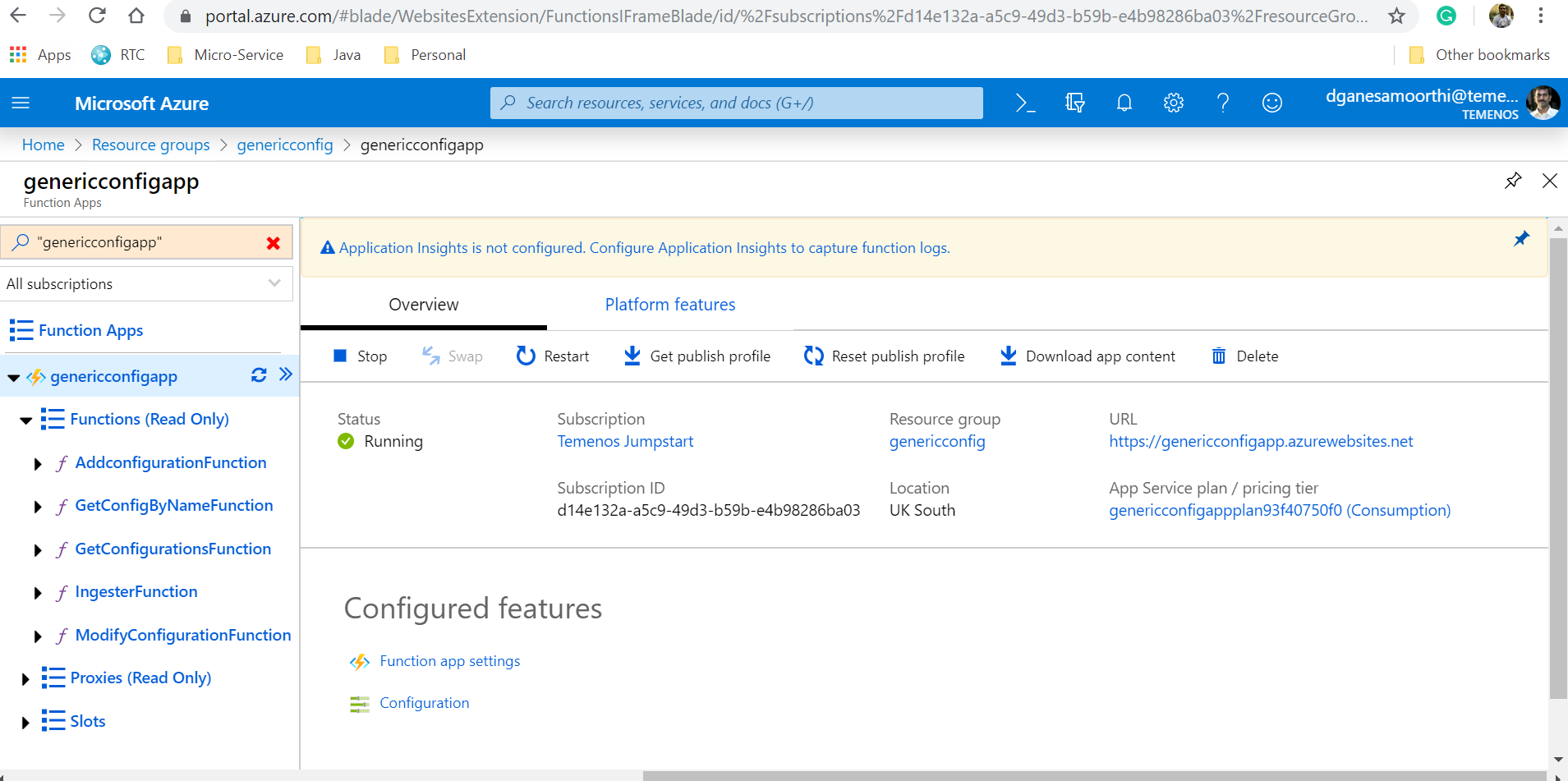
Once the installation is done, the functions are created in Azure.
- Log in to Azure portal and check if the following have been created.

Add Bookmark
save your best linksView Bookmarks
Visit your best links BACK
BACK


Are you sure you want to log-off?