
| Bookmark Name | Actions |
|---|
Step 3: Running the Pre-release Updates
Before getting started with the Temenos Transact upgrade process, if you want to run any pre-release updates, then run the T24.PRE.RELEASE routine.
Procedure
- Add the following property in the configuration properties file in TAFJ_HOME/conf.
JEDIFILENAME_SYSTEM=SYSTEM
NOTE: The process of upgrade can be monitored in the log file specified, that is tmprelease.log under the TAFJ_HOME/log folder. - Run the T24.PRE.RELEASE routine from the application server.
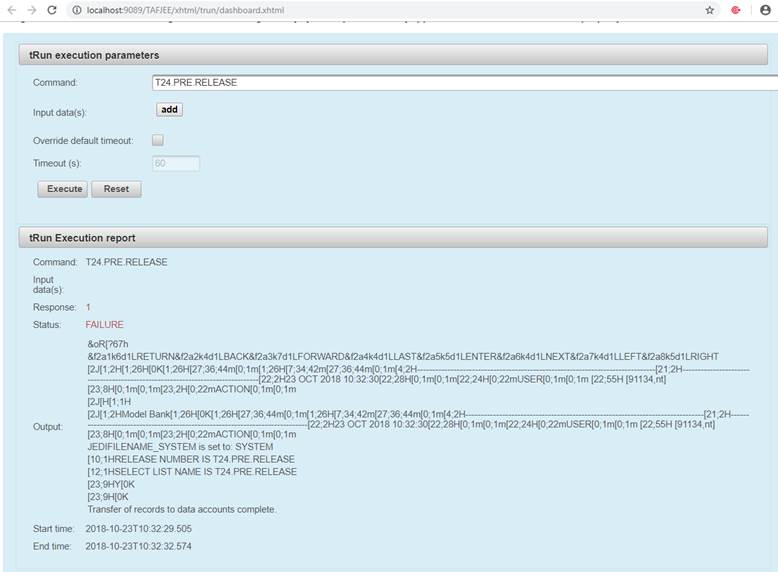
tRun T24.PRE.RELEASE
 NOTE: Failure shown in above screen capture is because of a STOP statement in the program, which will throw an exception at the end of processing.
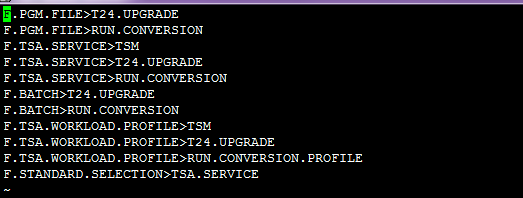
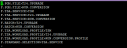
After executing the T24.PRE.RELEASE routine, you should be able to see the file in &SAVEDLISTS& with the file records being exported into Temenos Transact for preliminary use.

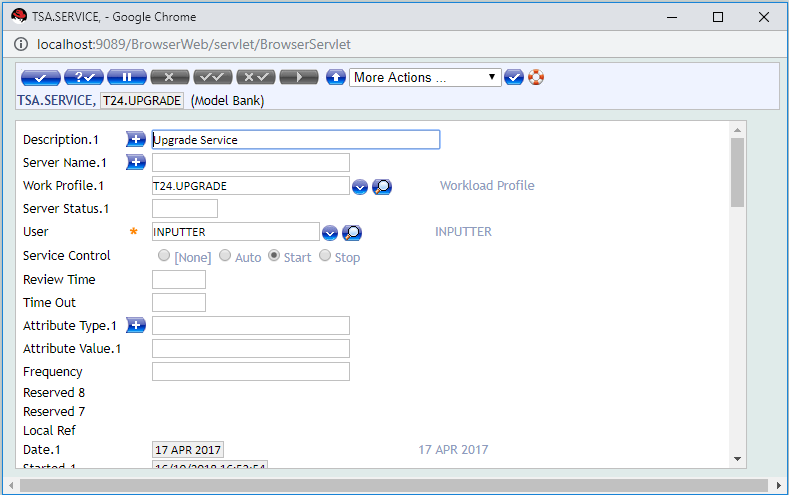
- Run the T24.UPGRADE service to release the data records and create files wherever necessary. This is done by setting the T24.UPGRADE record to Start in TSA.SERVICE.

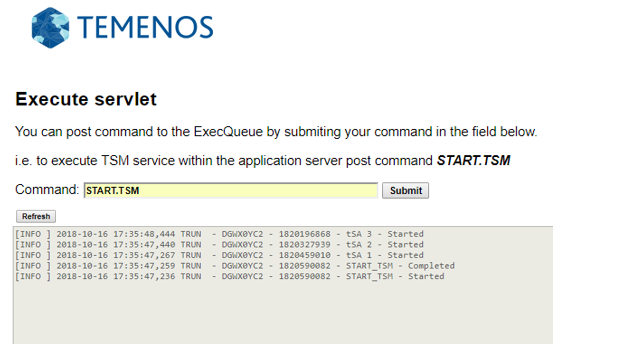
- Run the START.TSM command in the application server using the TAFJEE servlet.

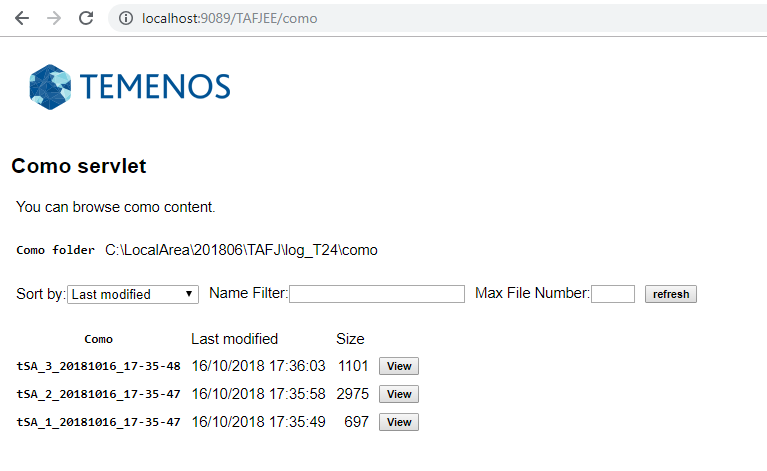
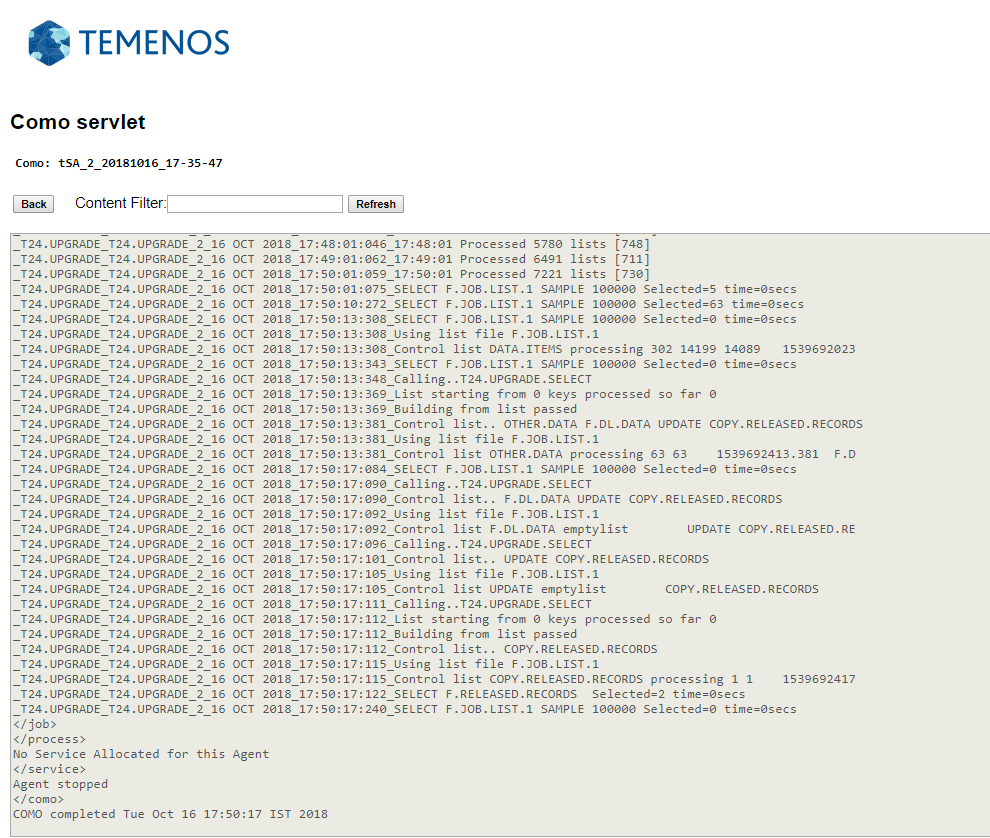
You can find the appropriate como for the service in the como folder specified.


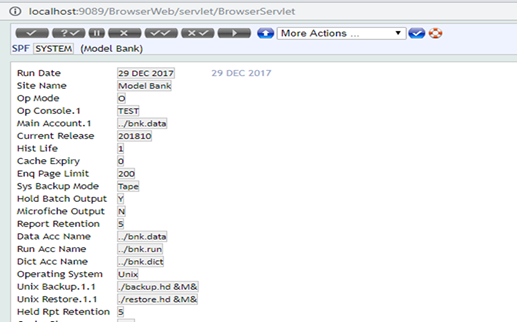
- Login to Temenos Transact to see the release of F.SPF>SYSTEM record for the latest upgraded CURRENT.RELEASE column.

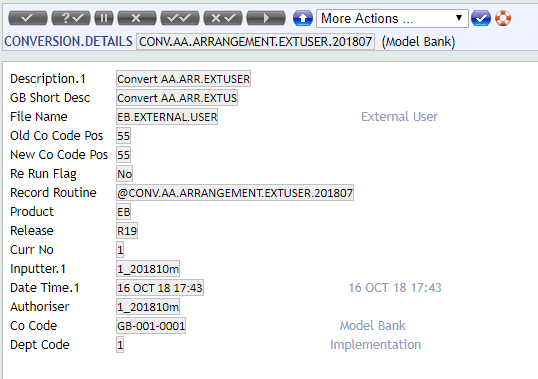
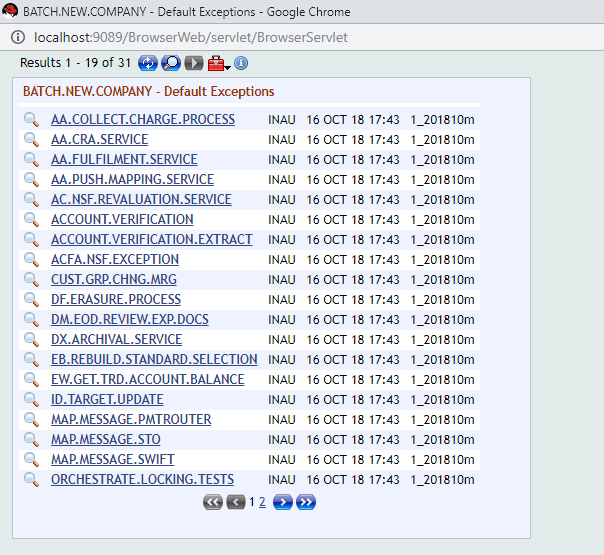
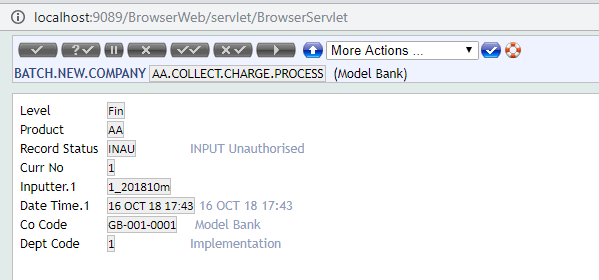
Sample View of Records after Upgrade
Add Bookmark
save your best linksView Bookmarks
Visit your best links BACK
BACK


Are you sure you want to log-off?