| Bookmark Name | Actions |
|---|
Launching Swift Interface Camel Application
This section describes how to start the Swift interface.
You can launch Swift interface using:
- File flow – Consumes Swift MT or MX inward messages from file directory and writes Swift MT to file.
- Queue flow - Consumes Swift MT or MX inward messages from queue and writes Swift MX to a queue.
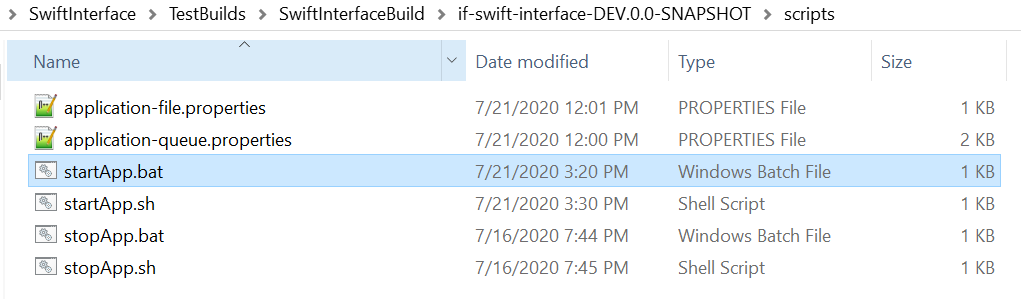
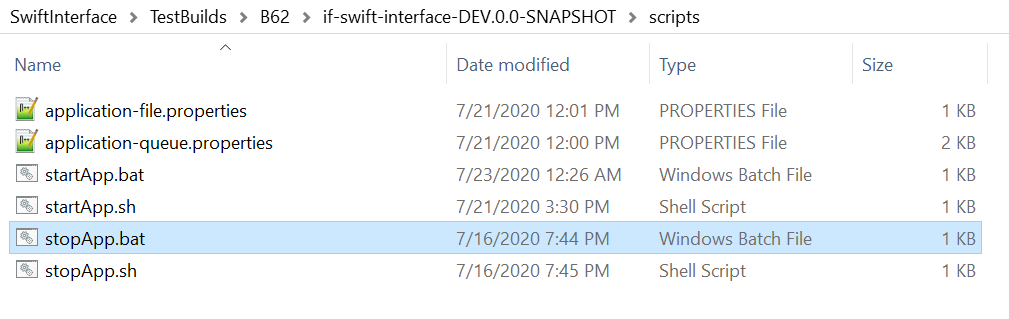
You can start application by running startApp.bat or startApp.sh.
Launching as File Flow
Procedure
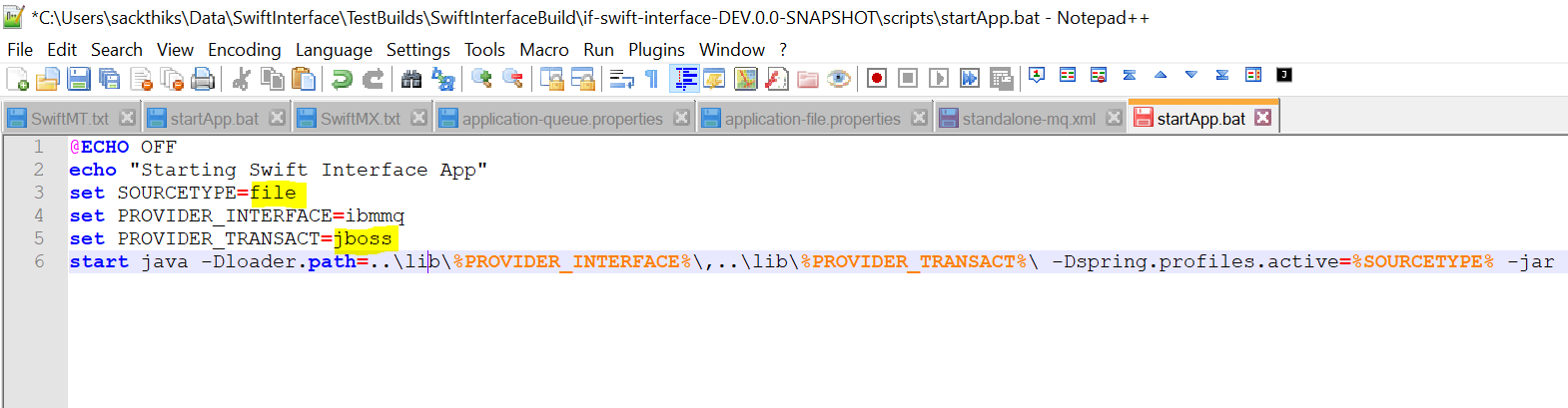
- Open the startApp.bat or startApp.sh file depending on your operating system.
- Set SOURCETYPE to file.
- Set PROVIDER_TRANSACT to jboss (or other MQ type where back office queues (Temenos Transact) are configured).
- Configure the properties below in application-file.properties.
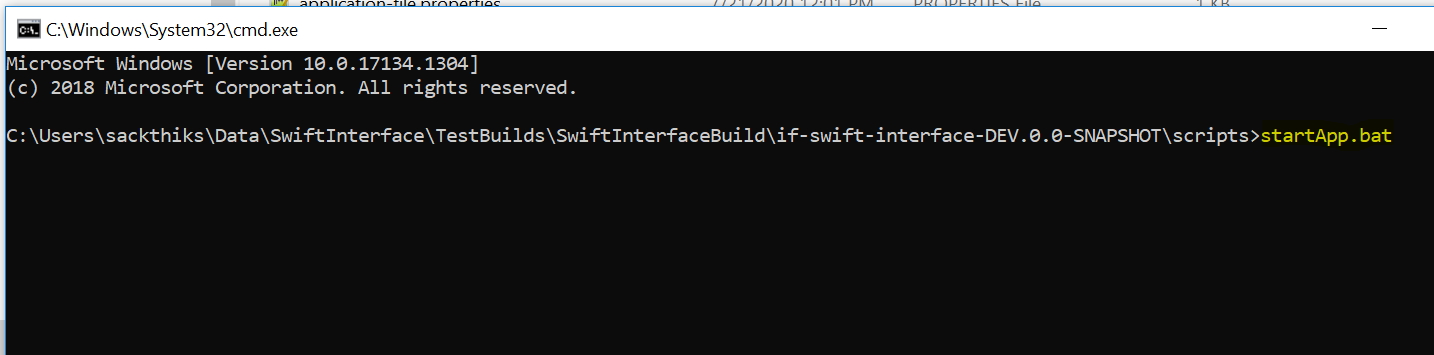
- Double-click the startApp.bat or startApp.sh file to start application. You can also start the application by using command line.
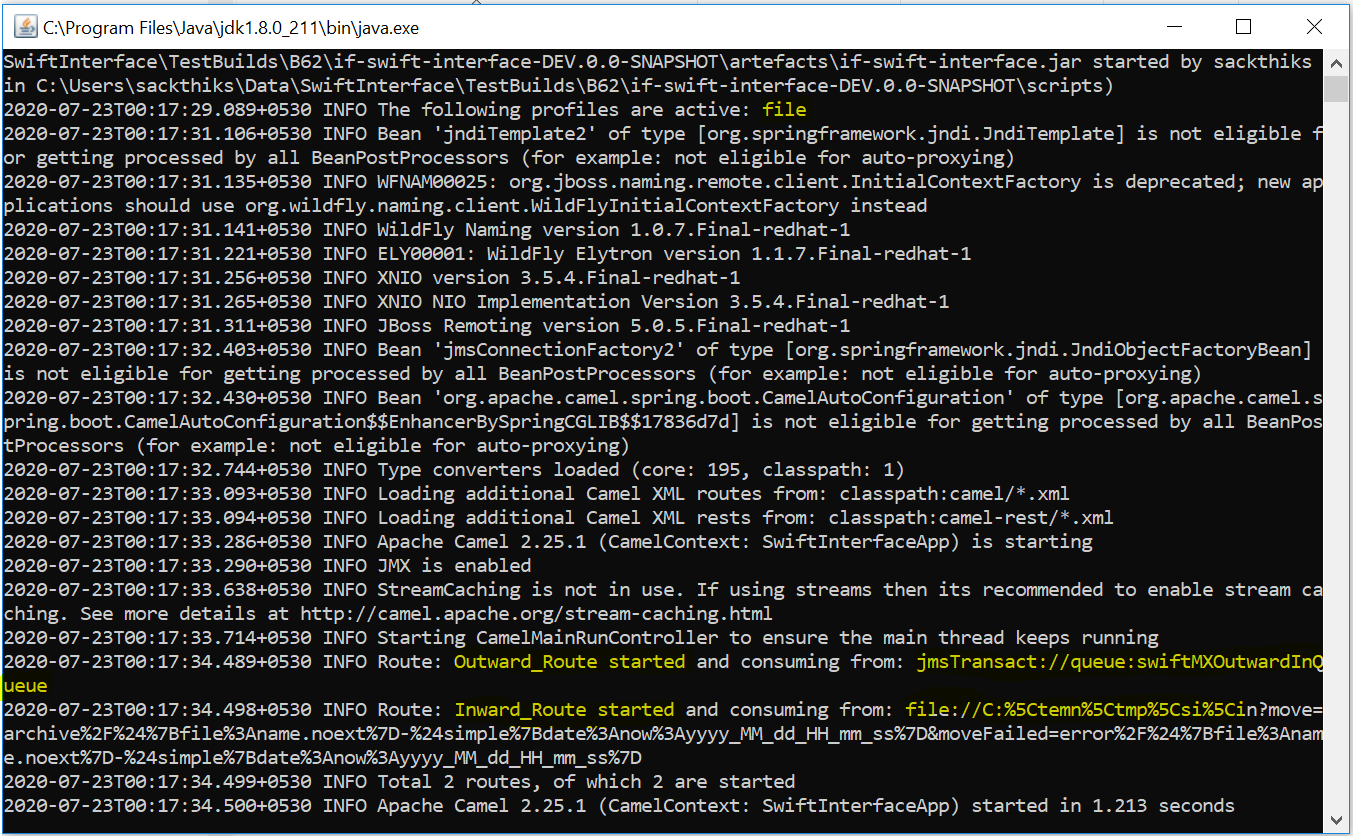
The file flows Inward (MT or MX) and Outward is started.

| Route | Inqueue or File Property | Destination File or Queue Property |
|---|---|---|
|
SwiftInward MT (File) |
temn.if.si.inward.source.file.path |
temn.if.si.t24.inflow.queue |
|
SwiftInward MX (File) |
temn.if.si.inward.source.file.path |
temn.if.si.mxinward.out.queue |
|
SwiftOutward Route(File) |
temn.if.si.mxoutward.in.queue |
temn.if.si.mxoutward.out.fileurl |
Launching as Queue Flow
Procedure
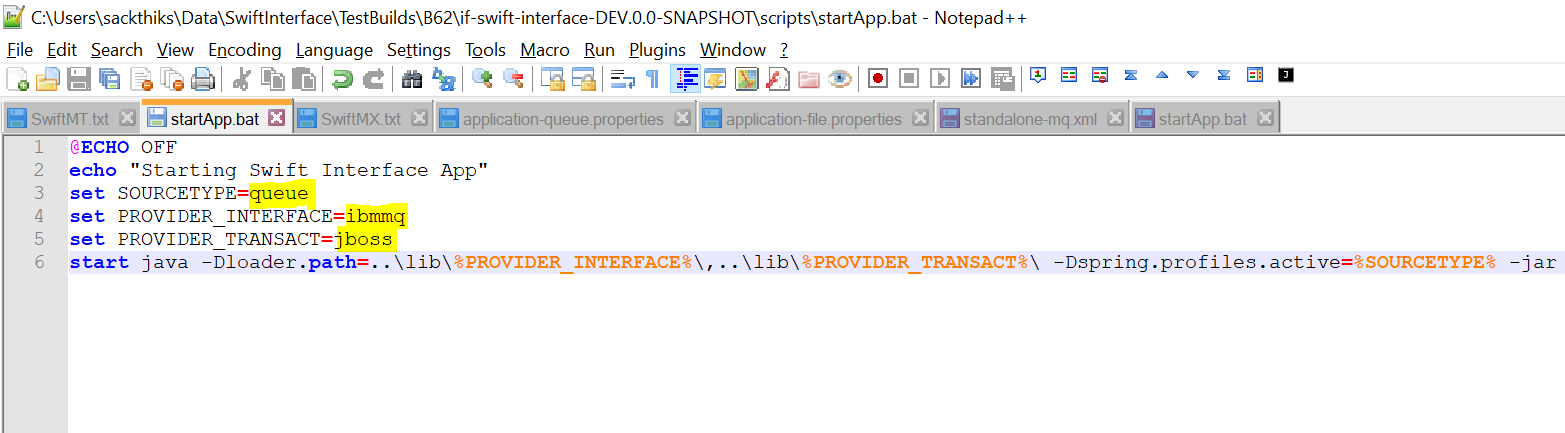
- Open the startApp.bat or startApp.sh file depending on your operating system.
- Set SOURCETYPE to queue.
- Set PROVIDER_INTERFACE to ibmmq (or other MQ type where swift interface queues are configured)
- Set PROVIDER_TRANSACT to jboss (or other MQ type where back office queues (Temenos Transact) are configured).
- Configure the properties below in application-queue.properties.
- Double-click the startApp.bat or startApp.sh file to start application. You can also start the application by using command line.
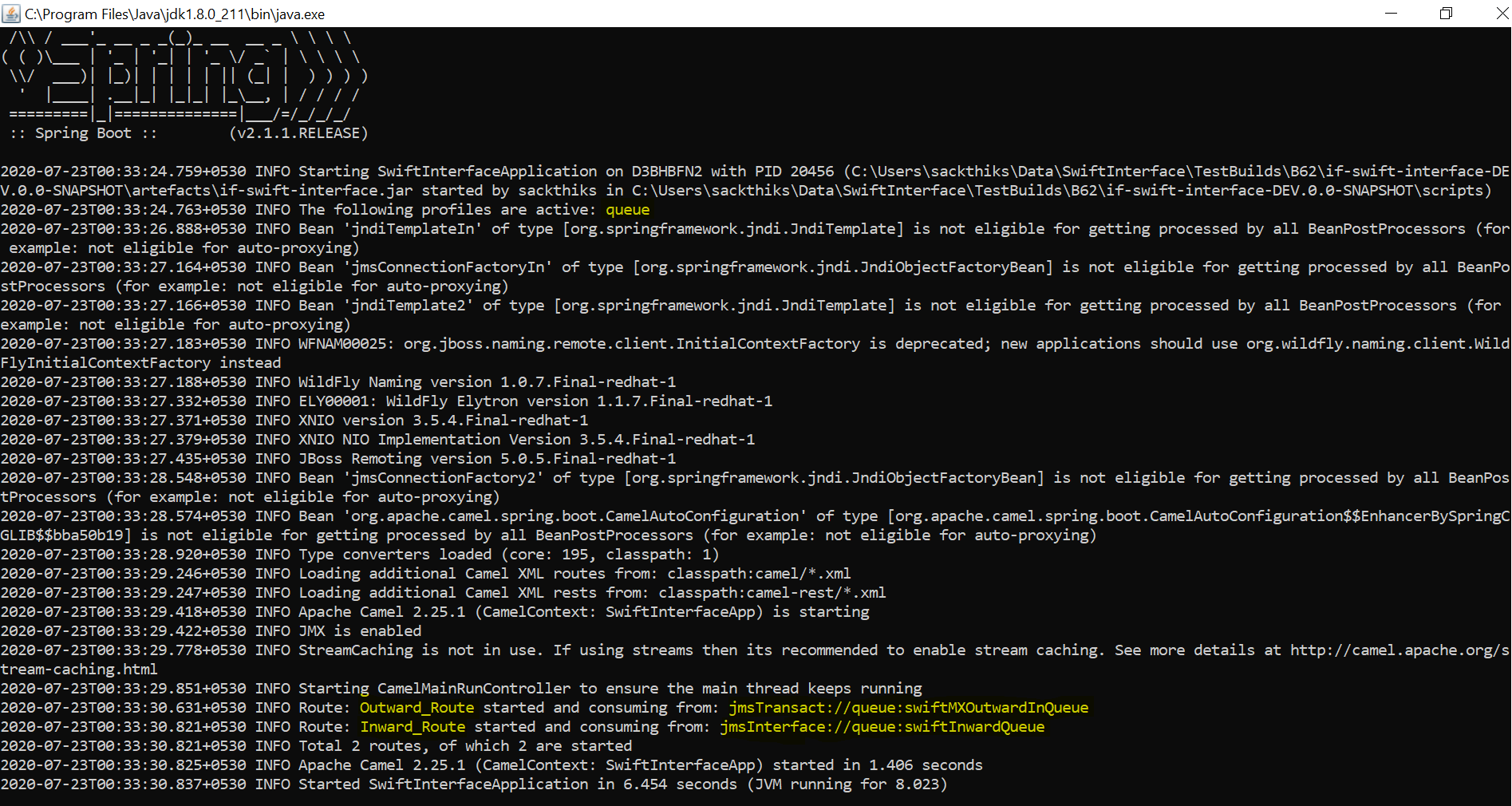
The Queue flows Inward(MT or MX) and Outward is started.

| Route | Inqueue Property | Destination Property |
|---|---|---|
|
SwiftInward MT Queue |
temn.if.si.inward.in.queue |
temn.if.si.t24.inflow.queue |
|
SwiftInward MX Queue |
temn.if.si.inward.in.queue |
temn.if.si.mxinward.out.queue |
|
SwiftOutward Route(Queue) |
temn.if.si.mxoutward.in.queue |
temn.if.si.mxoutward.out.queue |
Stopping the Application
Double-click the stopApp.bat file to terminate the application.
Add Bookmark
save your best linksView Bookmarks
Visit your best links BACK
BACK


Are you sure you want to log-off?