| Bookmark Name | Actions |
|---|
Matrix Tax Server Interface Installation Guide
This document aims at explaining the installation procedures required to install the ILMATX Matrix Tax Server xml to position based text file conversion.
The scope of the document is to cover the deployment of the package contents of ILMATX MatrixTaxEngine for converting xml to position based file.
System Requirements
The following are the pre-requisites for installing this package:
- Jdk 1.8.
- My Company Name, LLC area configured with ILMATX components.
General Considerations IlmatxMatrixTaxEngine.zip
- Extract the .zip file.
- In start.cmd file, set the following details:
- JAVA_HOME variable: points to java jdk location. E.g: C:\java\jdk8\jre.
- INFILEPATH: path of the input file.
- OUTFILEPATH: path of the output file in case of error.
- XSLPATH: path of the XSLT files.
- If the above values are not set, then the following values will be defaulted:
- INFILEPATH=D:\\Matrix\\Input.
- OUTFILEPATH=D:\\Matrix\\Output.
- XSLPATH=<Current_Dir>\\xsl\\.
ILMATXMatrixTaxEngine Components
IlmatxMatrixTaxEngine .zip
Deployment Steps
Follow the steps below to deploy the package.
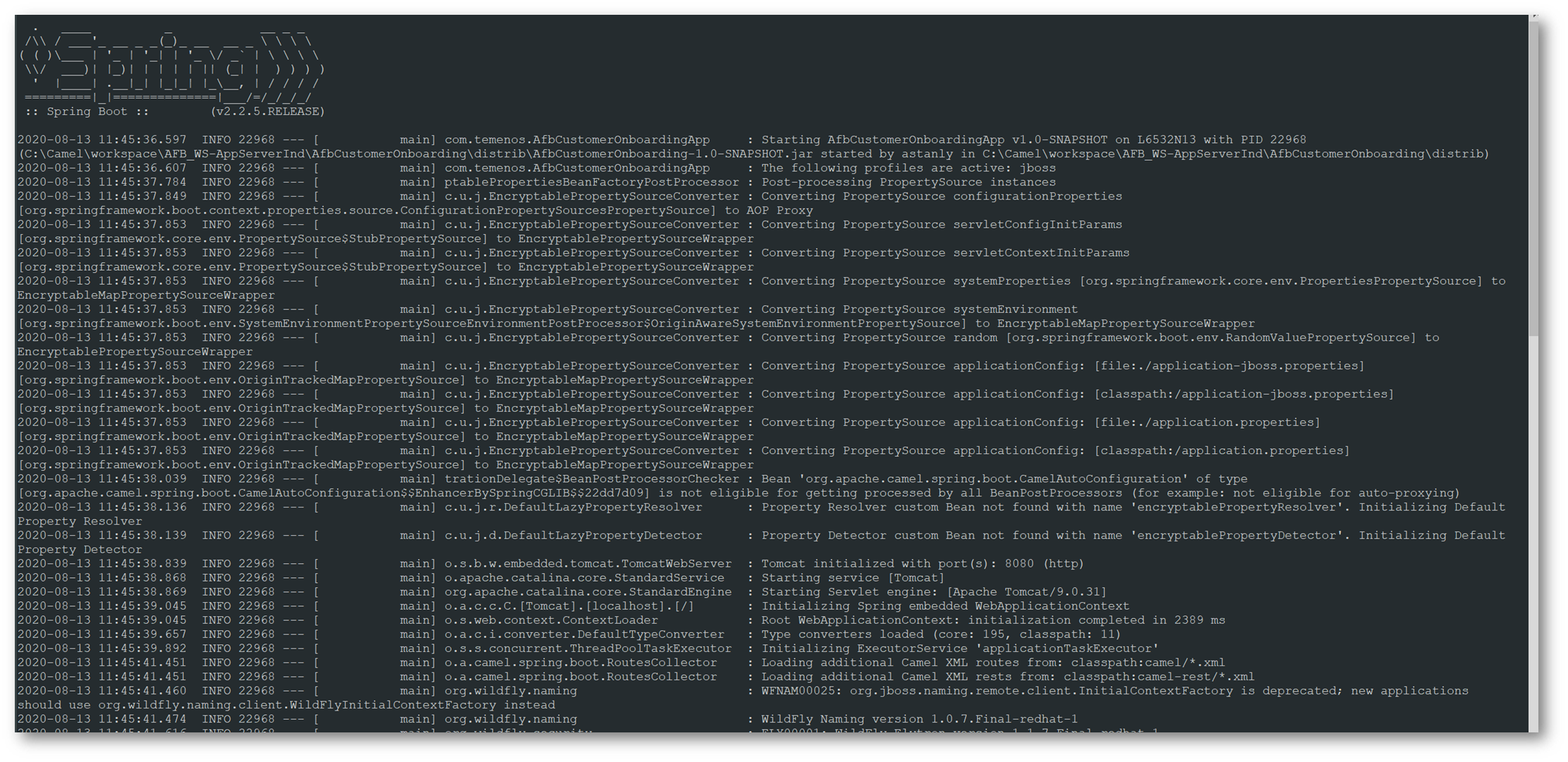
- Open a command window in the extracted package location, and execute the command start.cmd.
- Syntax:
start.cmd [ -ifp inFilePath ] [ -ofp outFilePath ] [ -xp xslPath ]
EXAMPLE: Start.cmd –ifp D:\\Matrix\\Input –ofp D:\\Matrix\\Output –xp …IlmatxMatrixTaxEngine.zip\\xsl\\
- Logs will generated in log folder for monitoring purpose ,create a “log” folder in the path where the Input path is specified

Add Bookmark
save your best linksView Bookmark
Visit your best links BACK
BACK


Are you sure you want to log-off?