
| Bookmark Name | Actions |
|---|
Locale
Use the feature to select the required language depending on your geographical location. The default selected language is US English. The application supports four European languages - UK English, German, Spanish, and French.
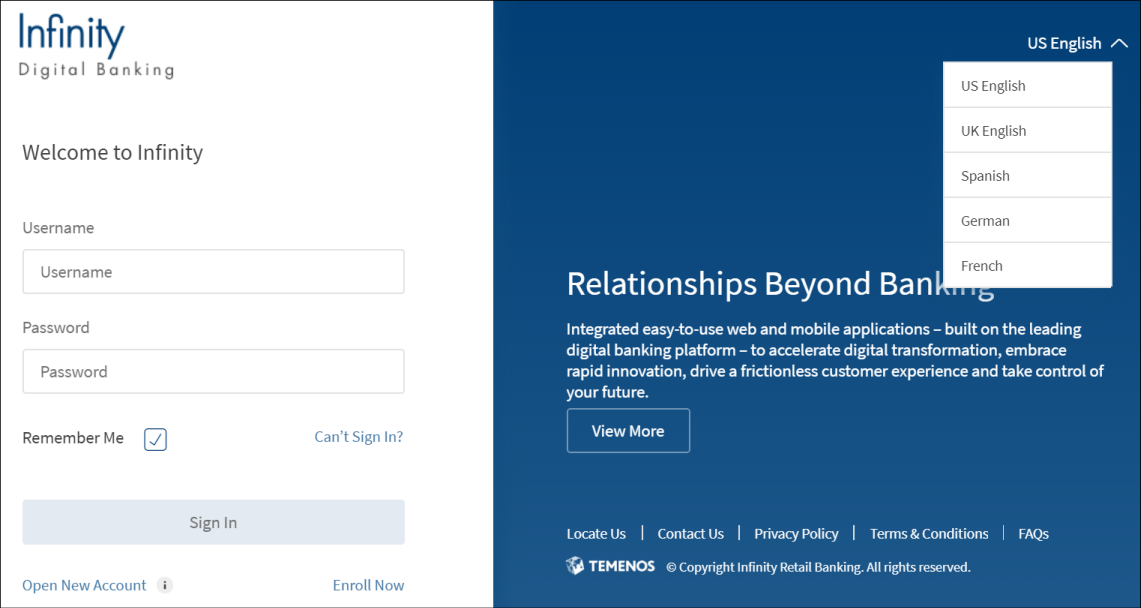
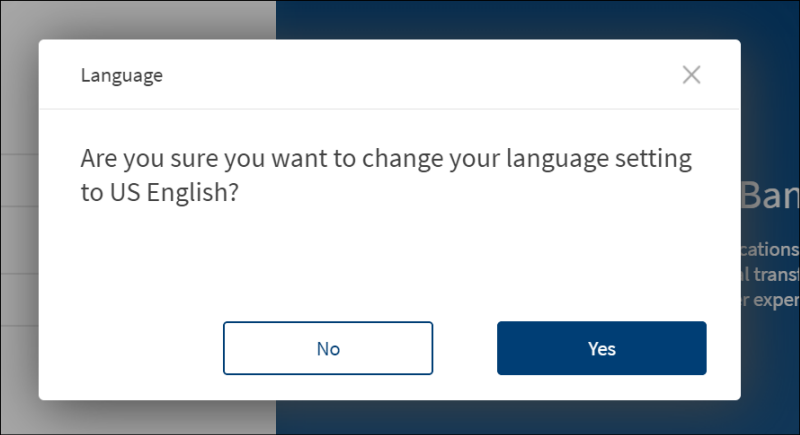
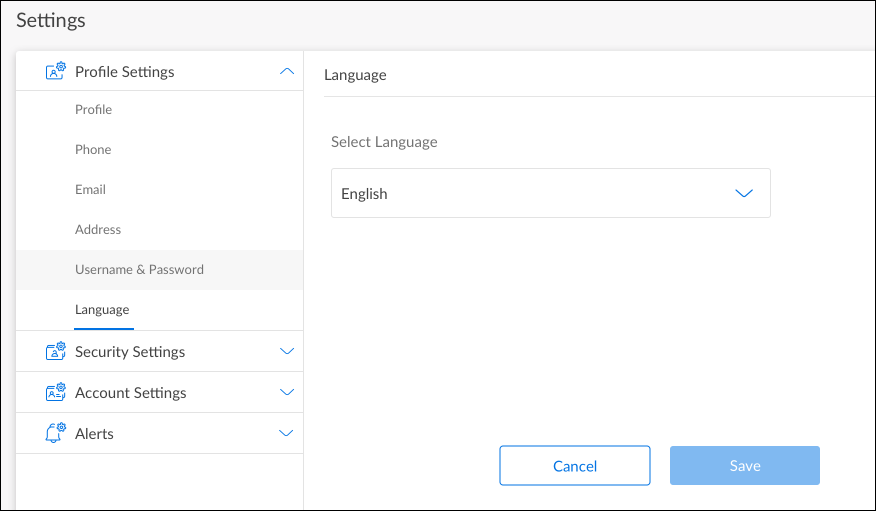
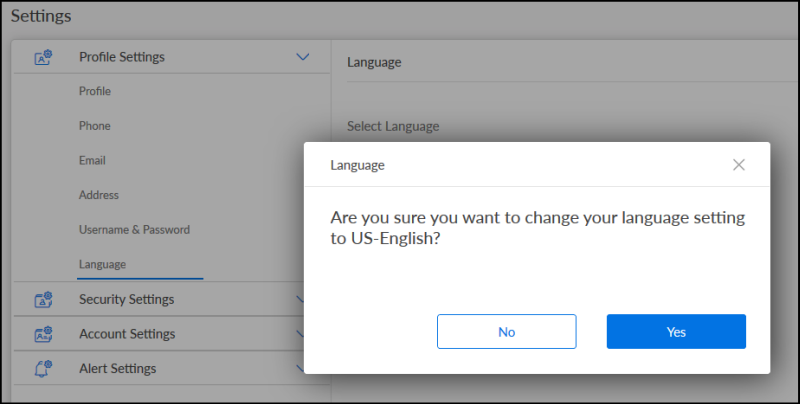
You can change the language on the sign in screen and also on the Profile Settings screen after you sign in. Do any of the following:
- On the sign in screen, select the language from the list available on the top-right corner of the screen. By default, US English is selected.
- Post sign in, on the Settings > Profile settings screen, select the language from the list. By default, US English is selected.
The application automatically changes the language, currency format, date format, and phone number format to match with the geographical location of the selected language.
Sign in
Profile settings
Supported languages
| Language | Currency Format | Date Format | Number Format | Phone Number Format |
|---|---|---|---|---|
| US English | USD | mm-dd-yyyy | 4,294,967,295.00 | [+Code] [Number] X [Extension] |
| UK English | GBP | dd/mm/yyyy | 4,294,967,295.00 | [+Code] [Number] X [Extension] |
| German | EURO | yyyy-mm-dd | 4.294.967.295,00 | [+Code] [Number] X [Extension] |
| Spanish | EURO | dd/mm/yyyy | 4.294.967.295,00 | [+Code] [Number] X [Extension] |
| French | EURO | dd/mm/yyyy | 4 294 967 295,00 | [+Code] [Number] X [Extension] |
NOTE:
- To enter an international phone number in the phone number field, enter a plus sign (+), followed by the country code. For example, enter +44. If the country code is not entered, the default country code is assumed.
- The alerts and the error messages fetched from the database are displayed in US English only, irrespective of the selected language. We currently don't have out of the box support for translating error messages, master data, and user specific data that is coming from the back-end system (either from database or service response). This needs to be taken up as a customization by individual customers.
- Except for USD, the other currency formats will be applicable only if the application is launched in Europe - the
deploymentGeographykey is set to Europe in theApplicationcall during app launch. In real-time, if the user is in USA and changes the locale to German, the currency will however be displayed in USD only.
Add Bookmark
save your best linksView Bookmarks
Visit your best links BACK
BACK


Are you sure you want to log-off?