| Bookmark Name | Actions |
|---|
Deploy Receipting Microservice in Docker Container
The Receipting microservice is provisioned for deployment in a Docker container.
Deployment artifacts
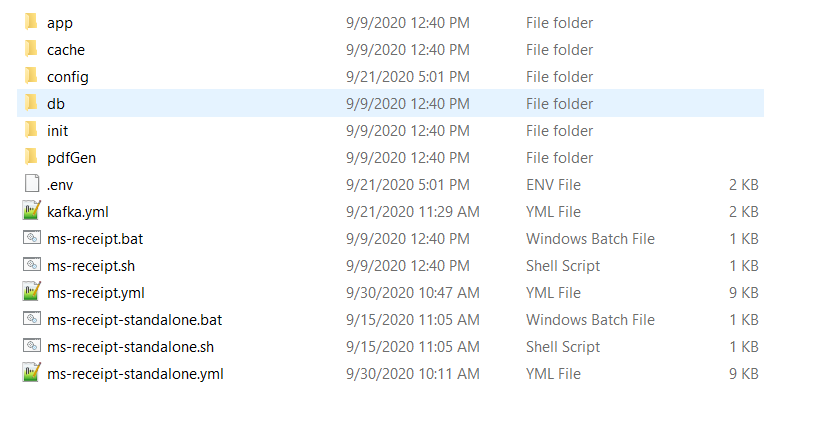
The receipt microservice for docker deployment is available as a single release bundle ms-receipt-package-docker-<release.xxx>.zip
Installation steps for Docker
- Copy the zip file into the installation directory. Unzip it.
- To get your microservice up and running, execute the below command which creates an image and docker container for the image.
- Post running the above command, use “docker ps –a” to check the containers are running.
For Windows : ms-receipt.bat up --build -d
For Linux : ms-receipt.sh up --build –d
For Integrated Testing, we need the Eventstore MS and Document MS up and running
Follow the below steps for installation:
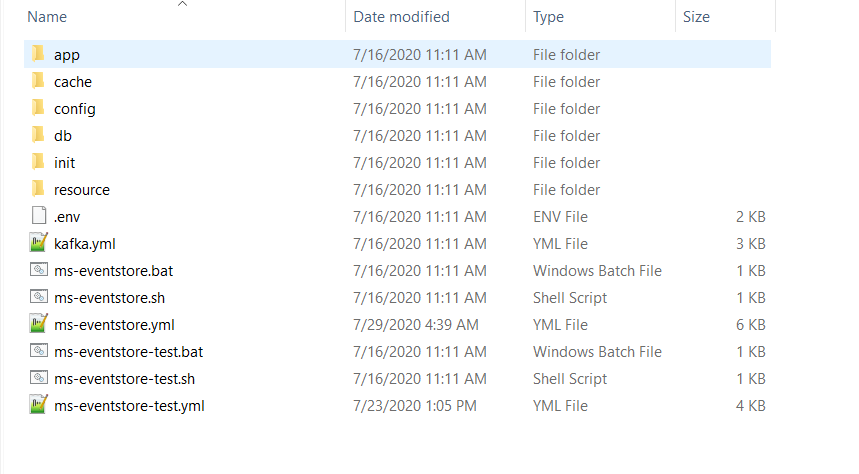
- Unzip the EventStore bundle ms-eventstore-package-docker-<release.xxx>.zip
- Start the eventstore microservice using the below command.
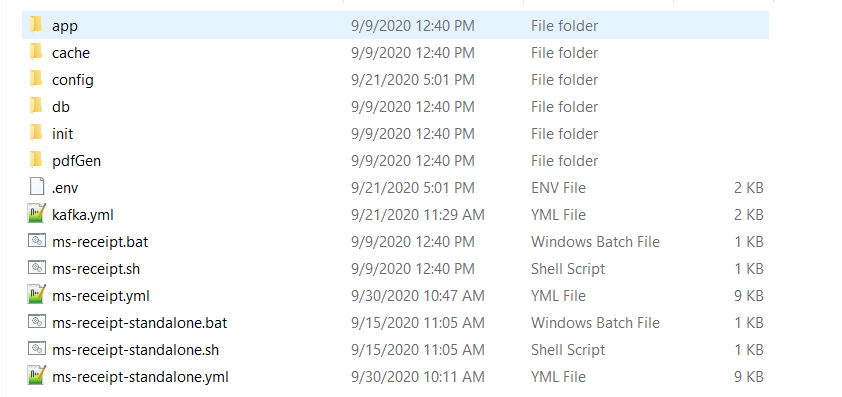
- Unzip the Receipt bundle ms-receipt-package-docker-<release.xxx>.zip
- Start the receipt microservice using the below command.
- Unzip the Document bundle ms-document-package-docker-<release.xxx>.zip
- Start the document microservice using the below command.
For Windows : ms-eventstore.bat up --build -d
For Linux : ms-eventstore.sh up --build –d
For Windows : ms-receipt.bat up --build -d
For Linux : ms-receipt.sh up --build –d
For Windows : ms-document.bat up --build -d
For Linux : ms-document.sh up --build –d
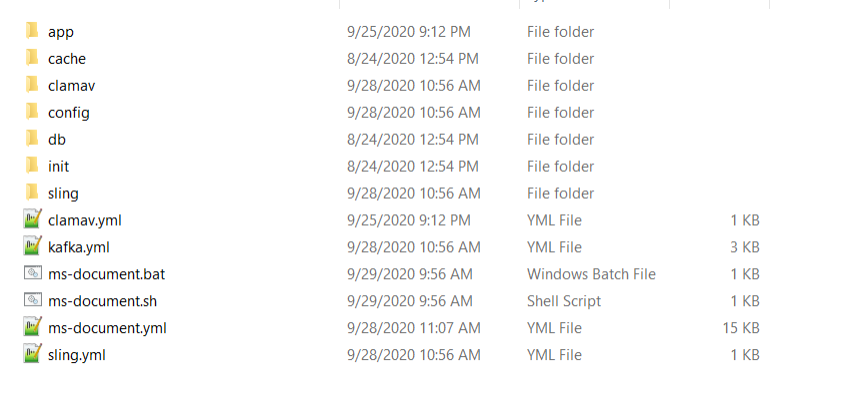
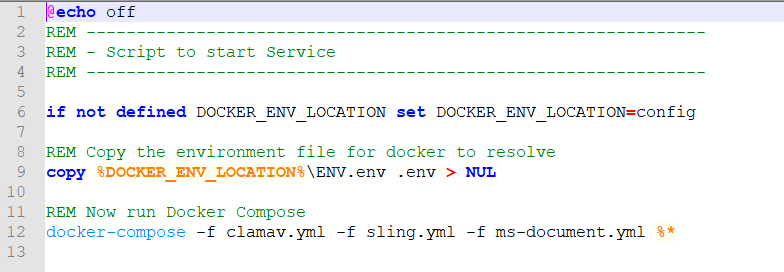
(Ensure the kafka.yml file is removed from bat/sh file, sample screenshot below)
Add Bookmark
save your best linksView Bookmarks
Visit your best links BACK
BACK


Are you sure you want to log-off?